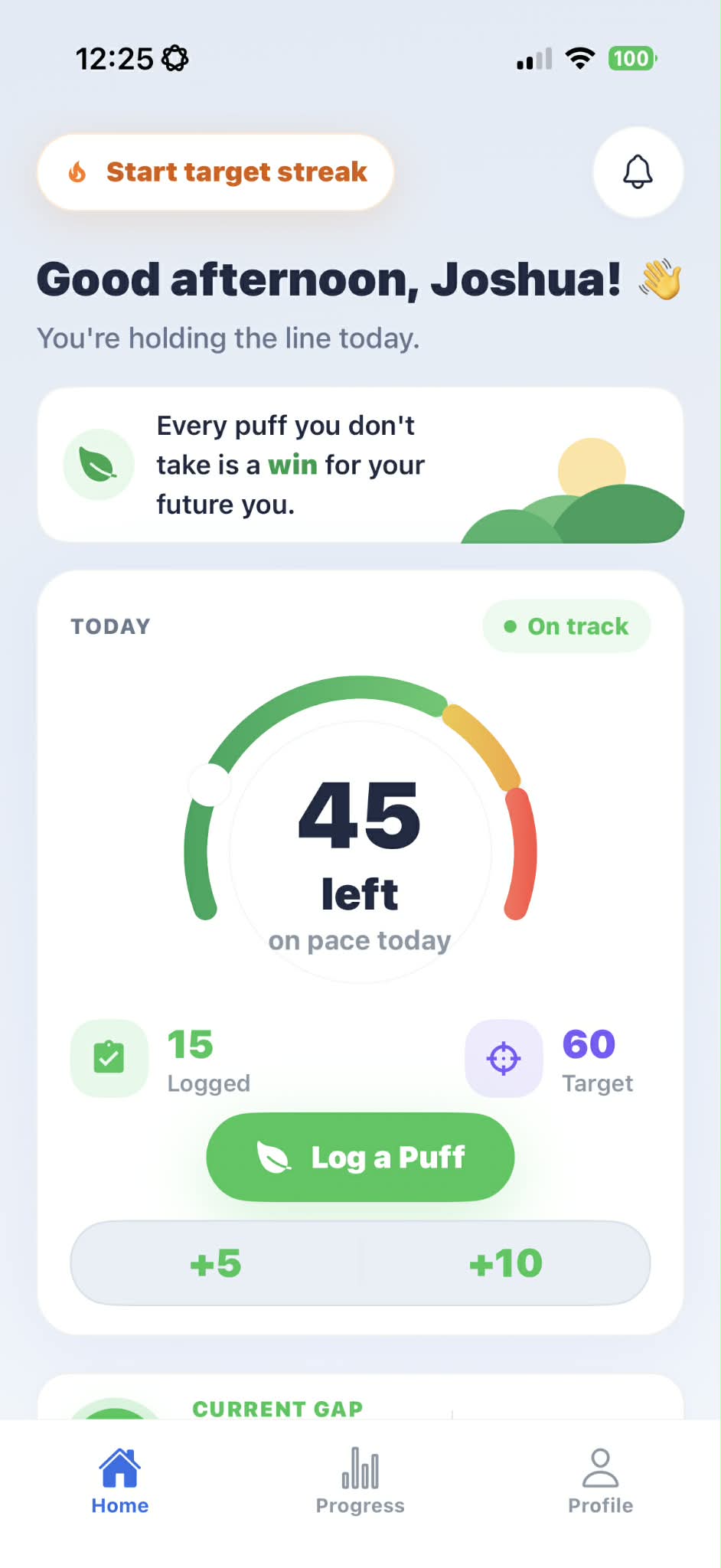
Home
Today stays readable.
Home shows today's target, logged vs target, On track, Close, or Over target states, current gap, quick +1, +5, and +10 logging, and contextual encouragement.
App surfaces
ClearAir is not a web dashboard or social network. The website describes the mobile app screens people use to plan, log, reset, review, and keep going.
Home shows today's target, logged vs target, On track, Close, or Over target states, current gap, quick +1, +5, and +10 logging, and contextual encouragement.
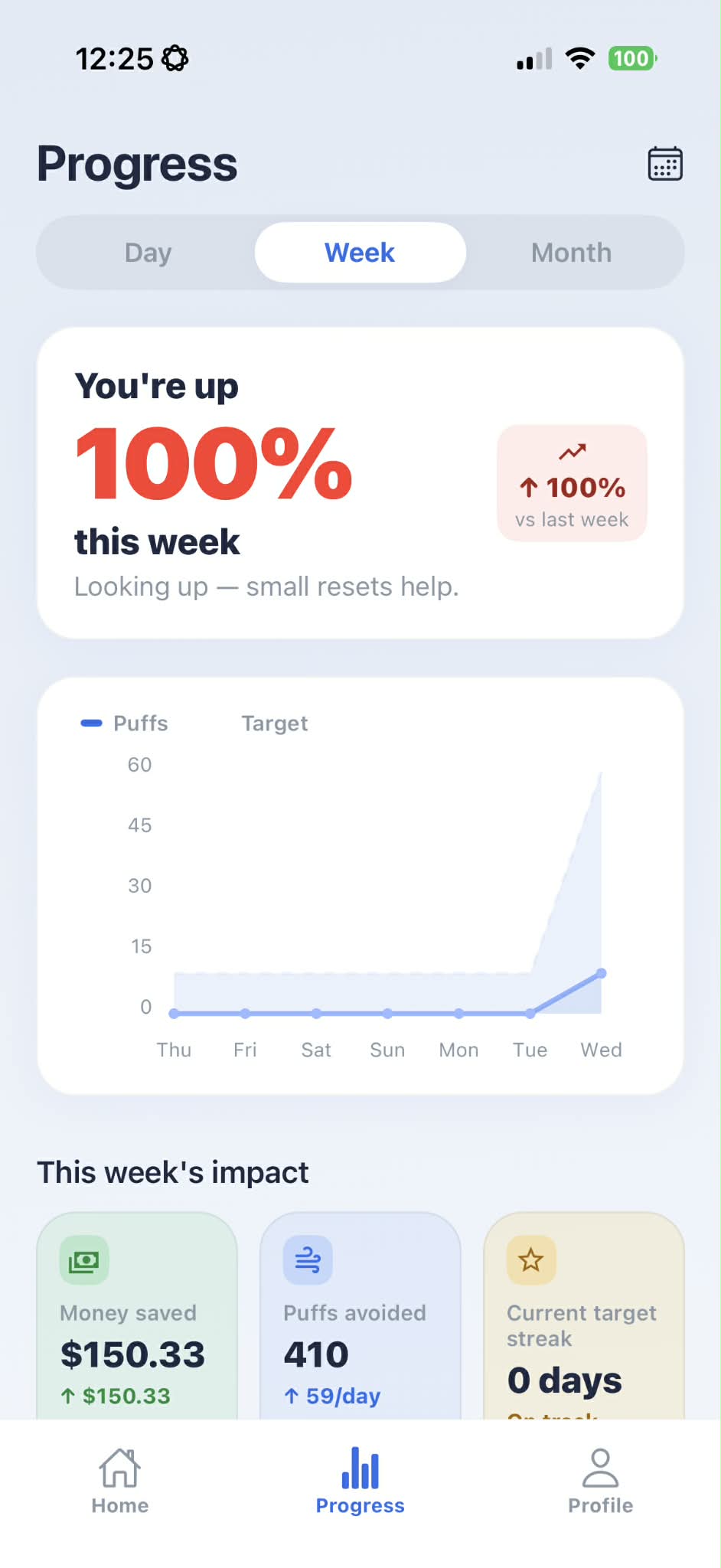
Progress includes day, week, and month charts, target comparison, money saved, puffs avoided, target streak, weekly report, SOS summary, and body signals for Premium users.
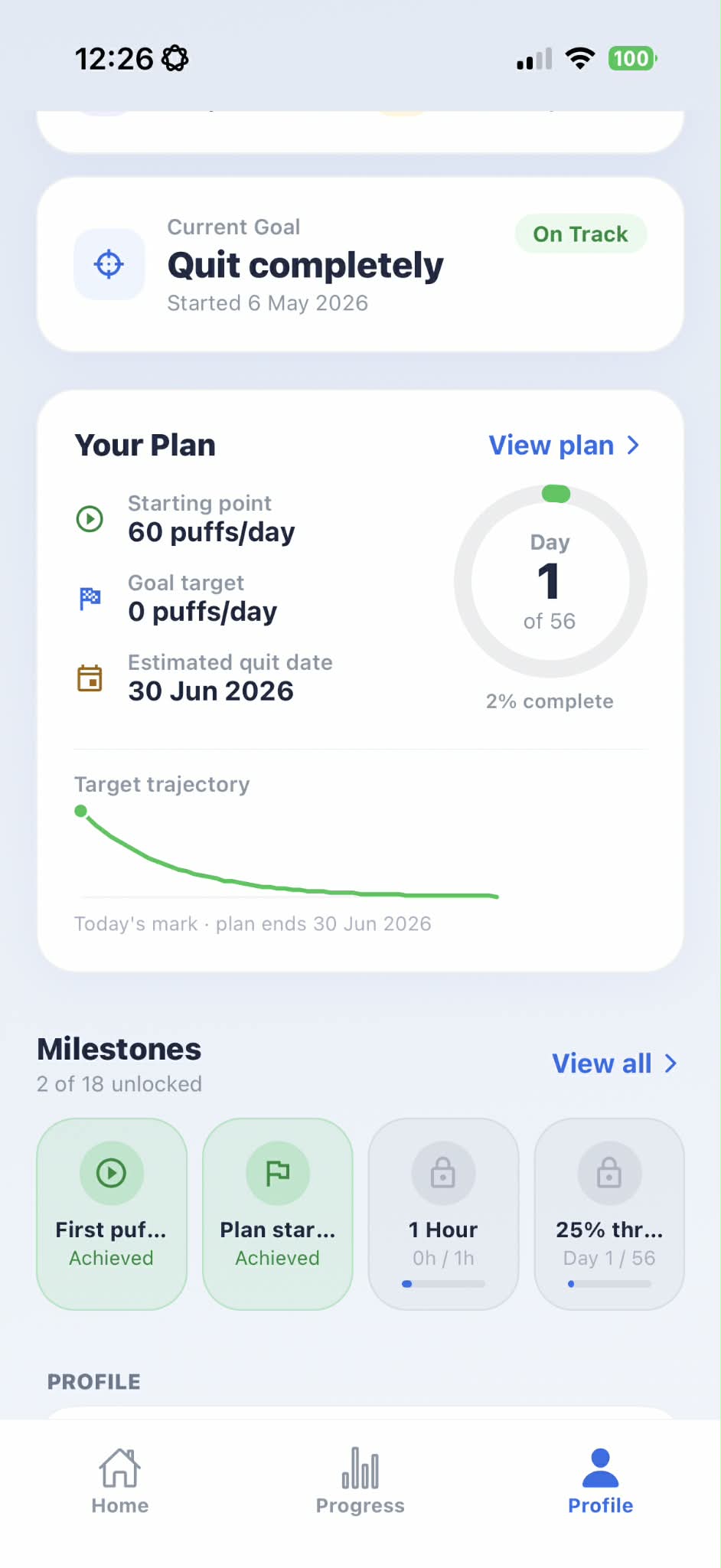
Profile keeps profile details, current goal, baseline, estimated quit date, plan trajectory, milestones, appearance, notifications, subscription, and legal controls discoverable.
Deeper screens appear when users need a reset, lesson, reflection, or insight. They do not turn the public website into an app workflow.
Free users get a static reset flow. Premium can personalise the reset sequence from triggers, urge ratings, and what helped previously.
Structured multi-week programs help users work through cravings, stress, sleep, and partner support with lesson progress tracked in-app.
Premium AI coach insights and voice reflections can help surface patterns from the user's quit-vaping context. Outputs may be imperfect and are not medical advice.
Premium users can connect Apple Health or Health Connect where supported. ClearAir reads permitted data such as sleep, steps, heart rate, resting heart rate, and HRV to show trends.
Current app model
ClearAir's current v2 app is organized around Home, Progress, and Profile, with stack screens for SOS, Programs, Journal, Coach, Milestones, Notifications, Subscription, and Legal.
8 logged today
Estimated money saved and puffs avoided are based on logged use.
Pause, breathe, choose the next step.